Stay Up To Date
Collect Your Castle!
Get an additional Unique Building - the Medieval Castle! Connect your Paradox account in game and plop the castle from the Parks & Recreation build menu. Sign up now or log in with your existing account.
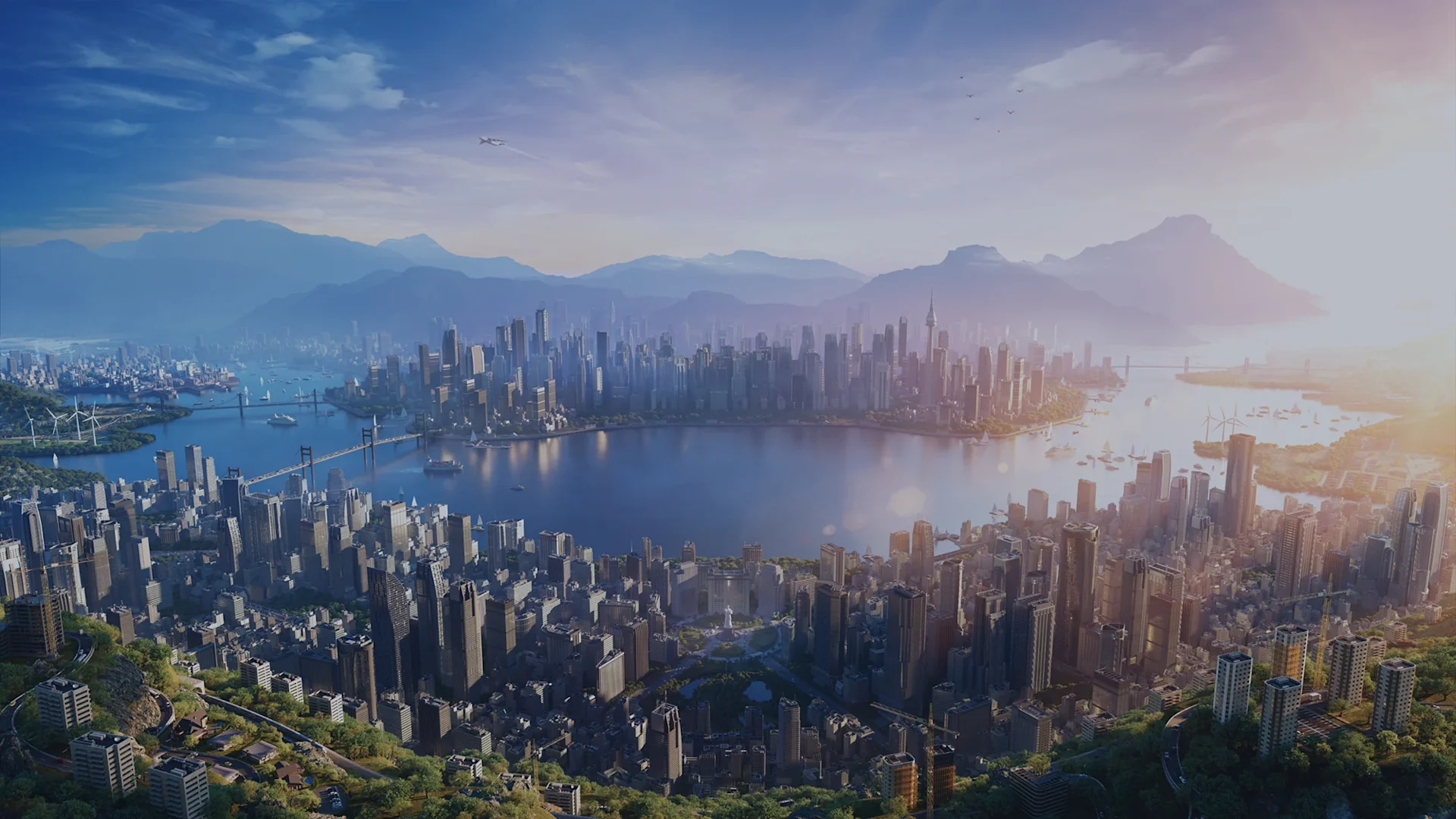
Hello Mayors! We are back with another City Corner turned Dev Diary! After taking a closer look at the design choices of Park Adventures, it is time to turn our attention to something that can make quite a difference to your cities, even if you have not yet built a single road: the environment. From the landscapes beyond your city’s limits to the ground beneath your citizens’ feet, there is a lot more going on than meets the eye. So, who better to tell us about all of it than the developers working on these changes! For today’s City Corner, we sat down with two members of the team, one of our artists and one of our programmers, to talk about the work that goes into shaping the world of Cities: Skylines II, the challenges along the way, and what you can expect from the environmental side of Park Adventures. So, without further ado, let’s jump right into it!
Our work with the new biomes started when we looked at the vanilla maps, thinking: “They’re all a bit bland, aren’t they?” At this point, we had already taken a look at the code. We knew that Cities: Skylines II had climate settings and the beginning of a biome system, so there was a foundation to start building on. The goal was to make better use of these systems and give different environments a more distinct look. A biome shouldn’t be just a label for a particular map that shows up at the beginning of a new game. It should also influence the vegetation and other elements found there, so that the landscape feels consistent and realistic. This meant developing four new biomes to support the new maps coming in Park Adventures: arid, tropical, alpine, and Mediterranean, each with its own characteristics and vegetation.
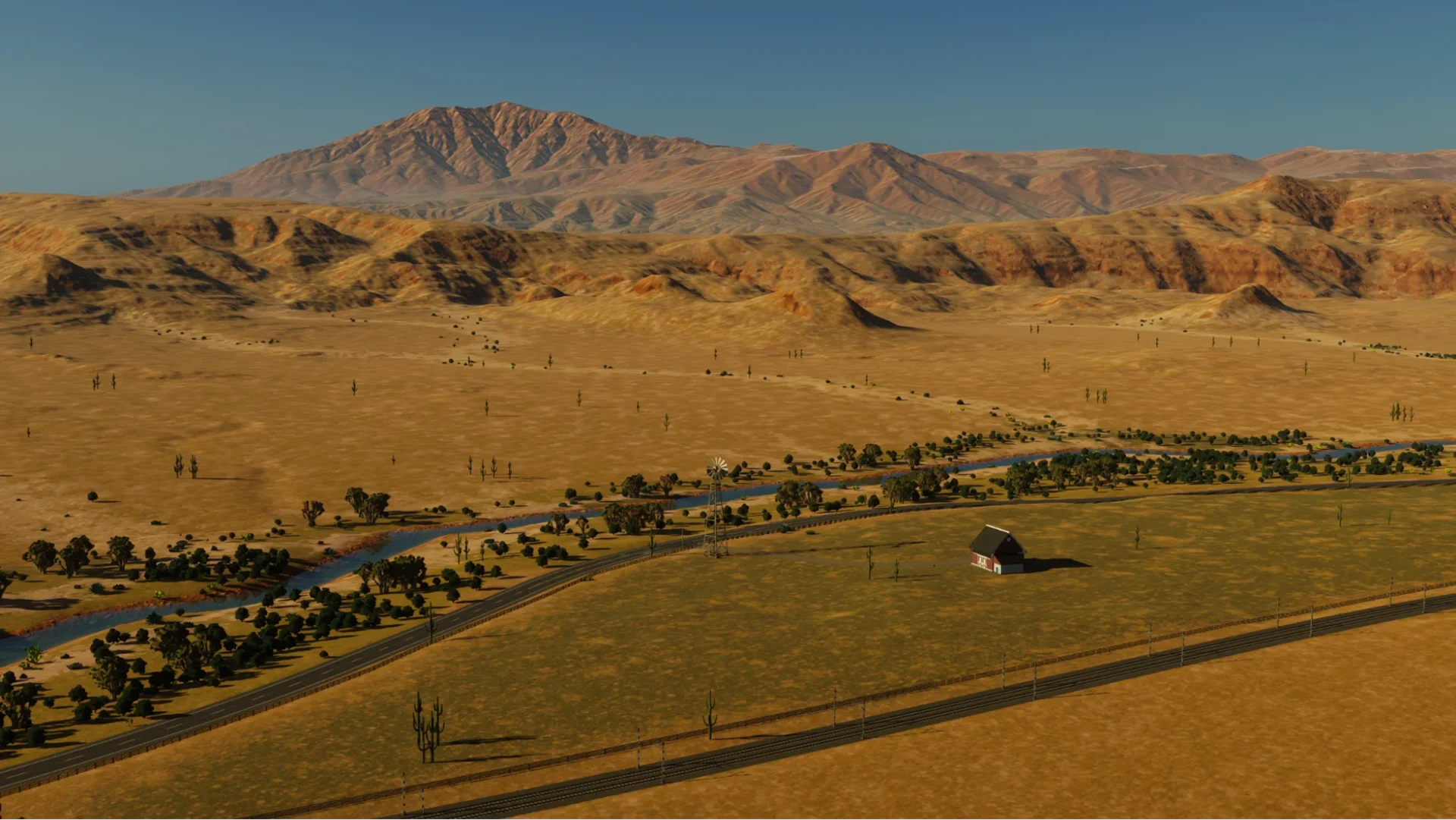
A quick look at the new, arid biome.
What that means in practice is that the biome influences which natural elements appear in your city, from the vegetation around zoned buildings to the rocks scattered across the landscape. In an arid biome, for example, the vegetation around residential buildings will follow the environment, with cacti appearing instead of trees you would expect to find in a colder climate. Rocks follow this same principle, with arid landscapes featuring more red-toned rocks rather than the more familiar grey varieties. Of course, this doesn’t mean you have to follow the rules of the biome if you do not want to. You can still place trees, plants, and other vegetation from different biomes yourself. The biome determines what appears naturally, but you are still free to experiment and create something that does not strictly follow its surroundings.
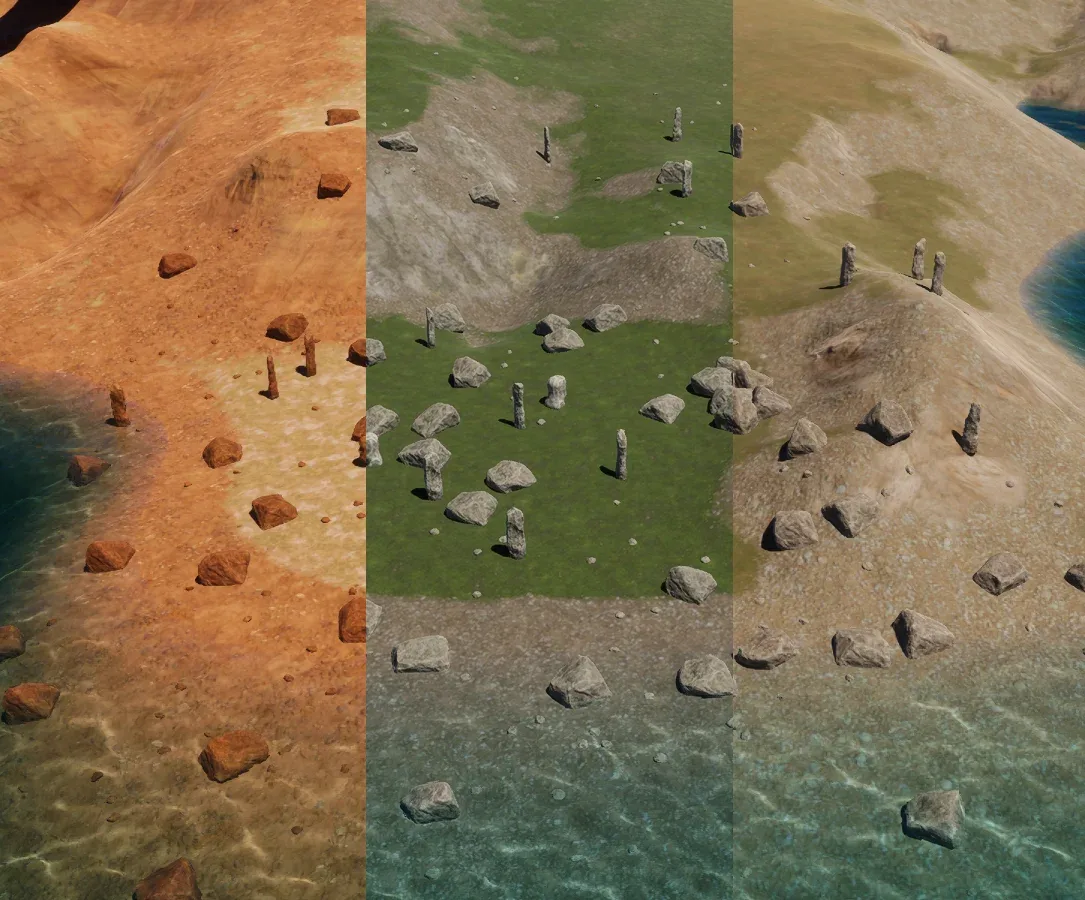
Even the colours of rocks transform according to the biome. Making these elements fit together takes more work than simply assigning different assets to different environments; the terrain itself needs to support the overall look or to match the style. Grass, dirt, sand, and other ground textures have to blend together naturally. Even when individual textures look good on their own, their transitions can make the landscape feel patchy or artificial if they don’t work well together. That is why the new biomes, vegetation, and terrain textures have all been considered together. A desert should not rely on the colour of the ground alone to tell you where you are. The plants and surrounding details should help tell the same story. Oh, and one more thing! While the new maps come with Park Adventures, all of the new biomes will be available for everyone through the Editor with the free update!
Introducing new biomes and vegetation highlighted the need to improve the visuals of trees in general, including how they look at different distances. When you are looking at a tree up close, there is plenty of detail to see. But when you zoom out to look at your entire city, the game needs to represent that same tree in a simpler way. This is where LODs (Levels of Detail) come in. Cities: Skylines II uses different levels of detail depending on how far away an object is, allowing it to show less complex versions of objects at a distance. For trees, LODs are not hand-created as traditional 3D models. In simple terms, we are using a few pictures of the tree taken from various angles instead of drawing each individual branch of the tree, which would amount to thousands of triangles per tree. This helps keep the rendering performance manageable, especially when your city has trees stretching across the horizon. We have been improving these representations so that trees look better when viewed from a distance, while also working on the textures and details of new trees that make them look good up close. It is the kind of change you might not notice when looking at a single tree in isolation, but when you pull back and take in an entire forest or a city park filled with trees, the difference becomes much more apparent.
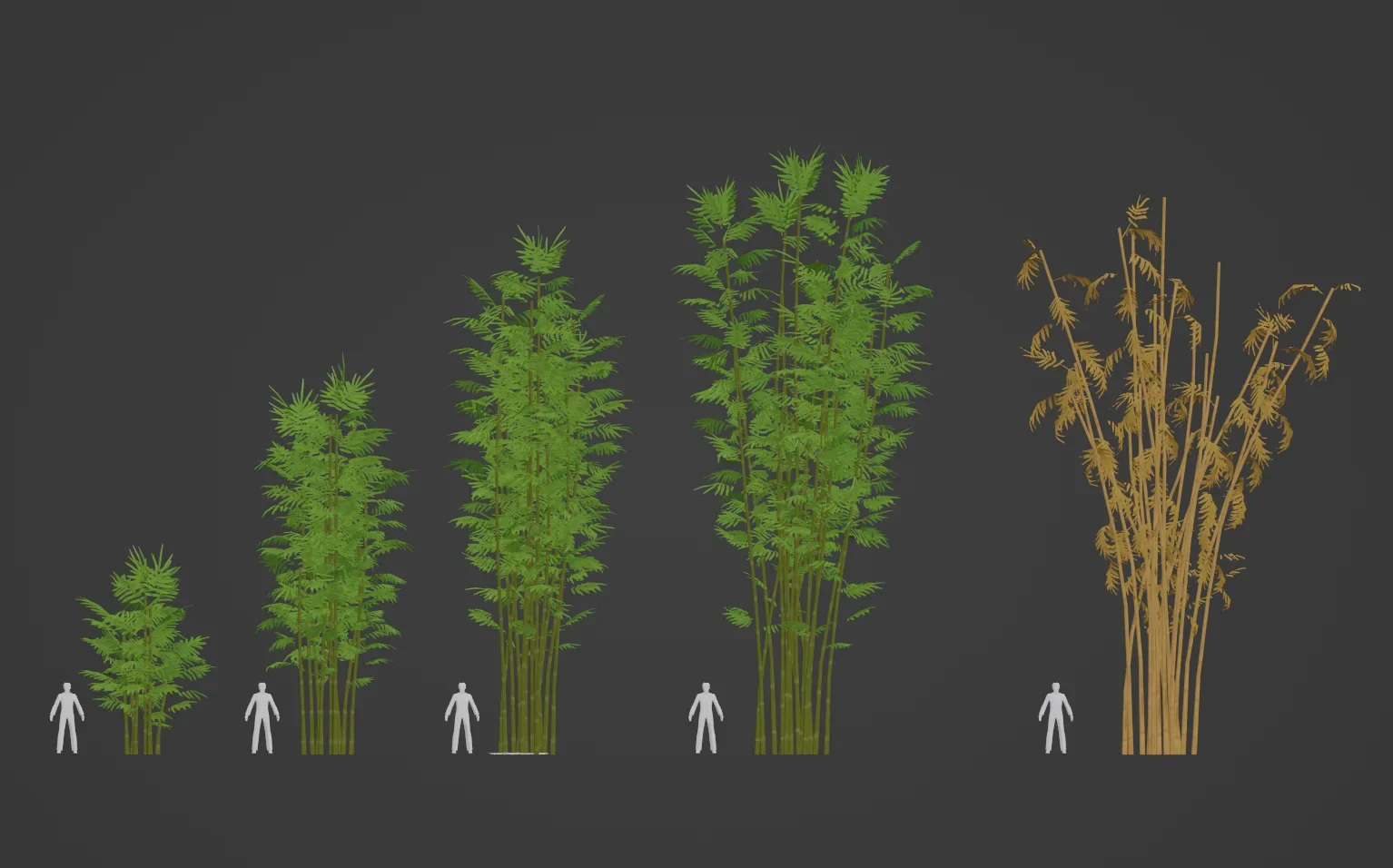
Bamboo is just one of the many new trees coming with the free patch! Of course, improving the visuals is only part of the process. Changes to trees and other environmental assets also need to be considered from a performance perspective. We have been making optimizations alongside the visual work, including improvements to how textures are used across different tree growth stages. For the trees coming in the free patch accompanying Park Adventures, as well as any new trees in the future, instead of each stage requiring its own separate texture, this updated approach allows different-aged trees to share the same texture. The aim with these changes is to improve the overall look of the environment without adding unnecessary performance costs. Whenever changes have the potential to affect performance, their impact needs to be monitored and tested carefully. After all, a forest should look good whether you are admiring it from a nearby road or taking a screenshot of your entire city from above.
A lot of the work regarding the environment happens behind the scenes. Some improvements are easier to spot immediately, while others are less obvious unless you know what to look for. A new biome might look like a straightforward addition, but it depends on several things working together. As mentioned, the terrain needs the right textures, vegetation needs to follow the environment, and the assets themselves need to look right at different distances. On the technical side, these systems also need to work reliably together without introducing unwanted side effects. This is where the collaboration with art and programming becomes particularly important. Creating a new texture or adjusting a tree is one part of the process; making sure it behaves as intended in the game is another. The environmental work often involves going back and forth between the two, trying different approaches, checking the results, and making further adjustments until everything fits together.
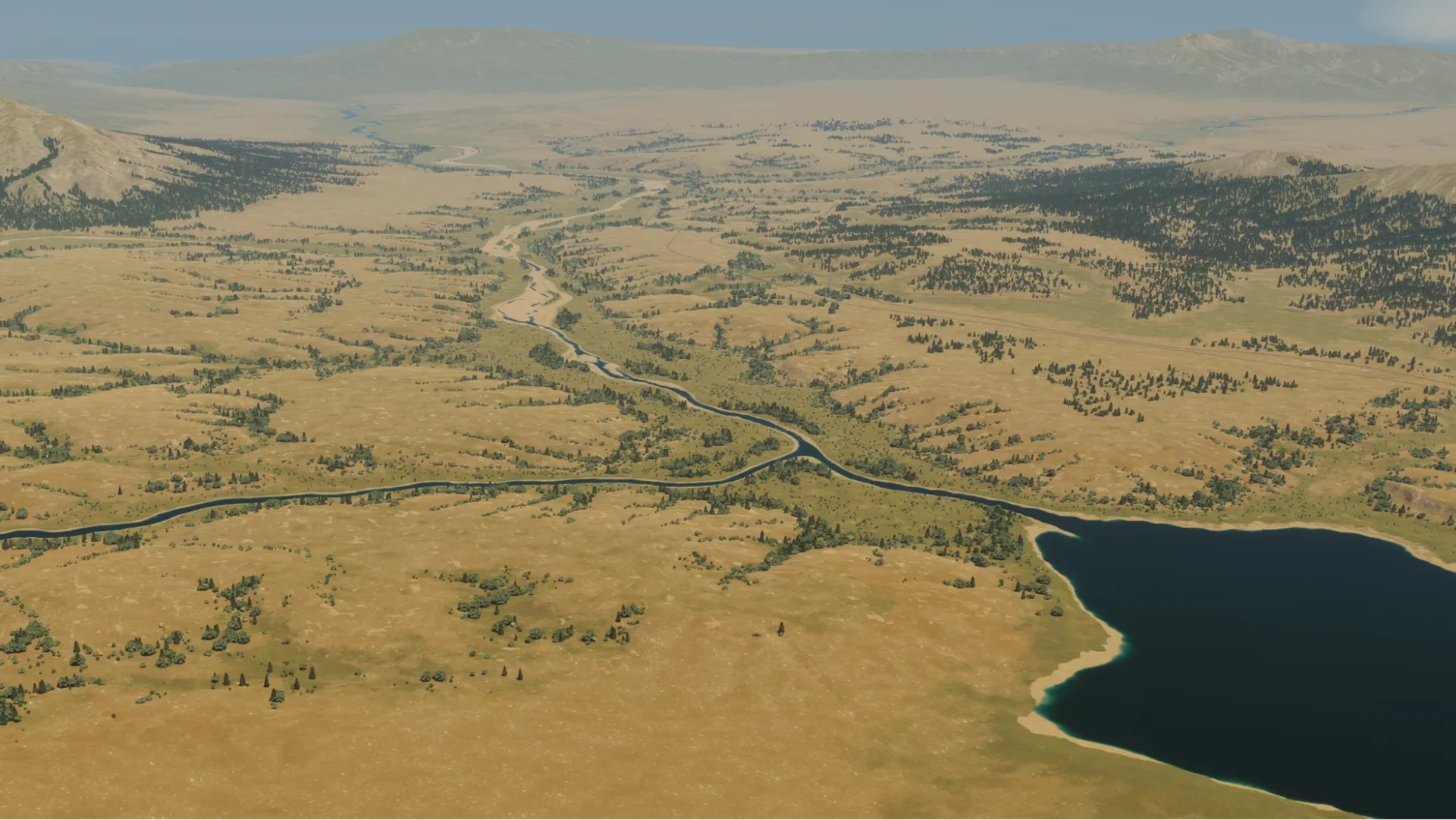
Some of that work also lays the groundwork for things that go beyond Park Adventures. The improvements to terrain textures, for example, help support the new biomes, but they also give us more flexibility when working on environmental changes in the future. The same applies to tools and systems that make it easier to create and refine different landscapes. You may remember earlier environmental improvements, such as the terrain painting tool. Work like that helps establish the foundation for more detailed environments, even if its full potential is not immediately obvious when the feature first arrives. Sometimes what looks like a single new feature is also a building block for several things that follow.
Creating these new biomes, textures, plants, and other environmental aspects has been an exciting journey, one that we wish to continue in the future. We are particularly excited to see what you make with the new biomes and maps; providing the tools and assets is one thing, but seeing how you combine and play with them is another. Whether you are building a city surrounded by tropical vegetation, creating a small village in an alpine landscape, or experimenting with a mix of environmental elements, there are plenty of ways to put these additions to use!
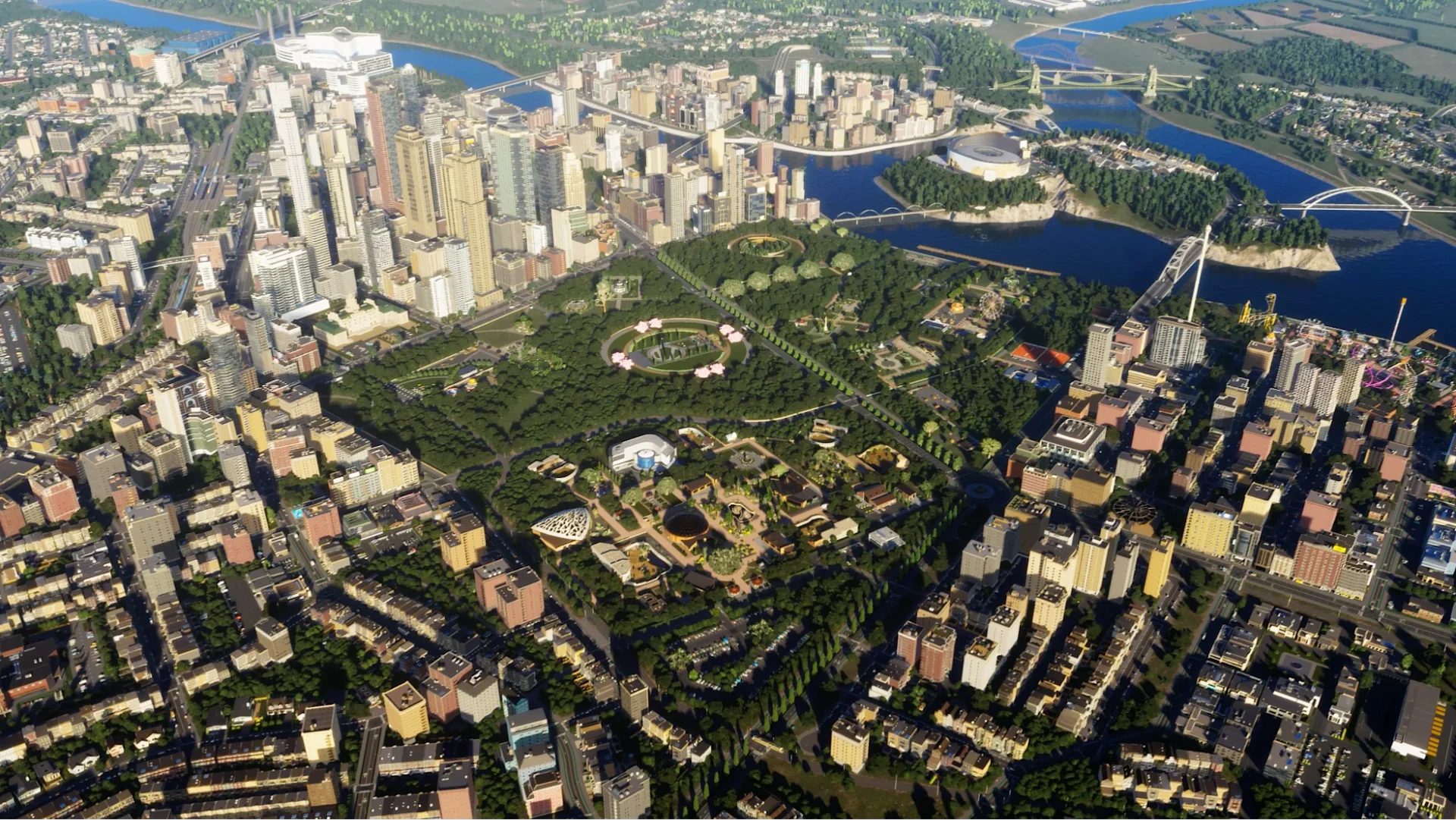
While we have also discussed the various ideas that could be explored further in the future, the new biomes, ground textures, and visual improvements are important steps towards making the environments in Cities: Skylines II feel more varied and cohesive. And while some of these changes might be most noticeable when you stop to admire the scenery, others will quietly do their work in the background. And with that, we have reached the end of today’s City Corner! No need to worry, though. We will be back soon with another instalment, since we still have plenty more to share with you! Until then, see you!
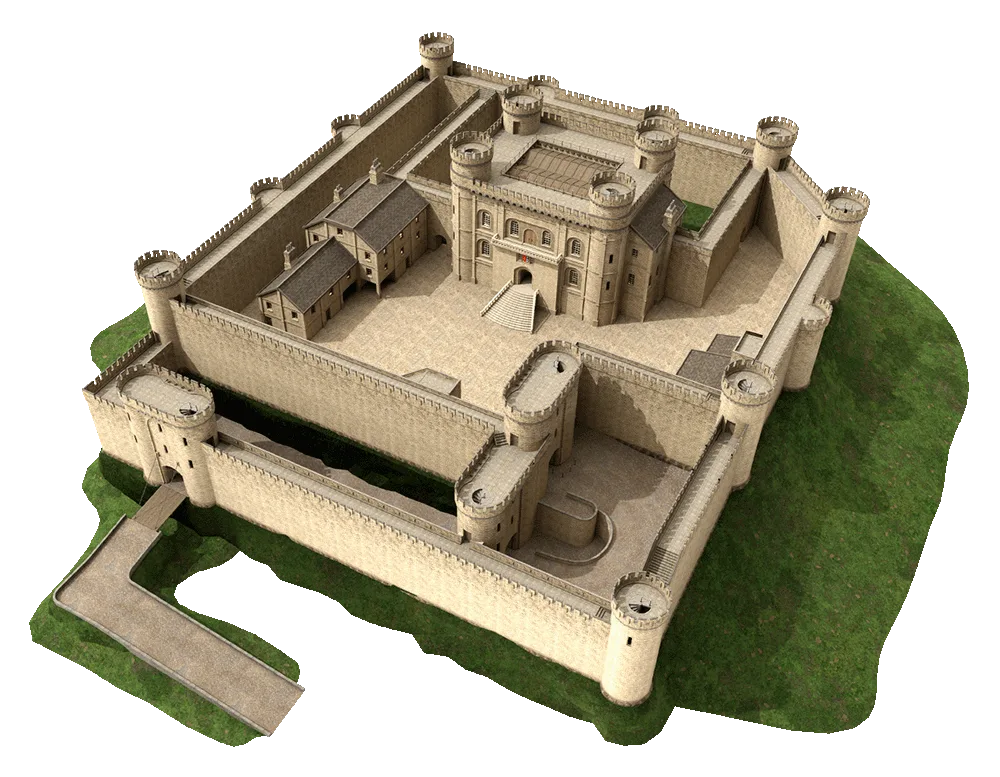
Get an additional Unique Building - the Medieval Castle! Connect your Paradox account in game and plop the castle from the Parks & Recreation build menu. Sign up now or log in with your existing account.